Good WiFi is now a basic part of everyday life. We use it to work, study, stream videos, join online meetings, shop, use smart devices, and stay connected.
But a good internet plan does not always mean good WiFi.
You may have a fast internet connection, but still deal with slow speeds, weak signals, or dropped connections. In many cases, the problem is not your internet service. It may be your router, WiFi coverage, network setup, or the way your equipment is configured.
This is where professional WiFi Setup Brampton services can help.
A properly set up WiFi network can give you better coverage, stronger connections, improved security, and fewer connection problems. Whether you need WiFi for your home or business, the right setup can make a big difference.
Why Is Good WiFi Important?
Think about how many devices use your WiFi every day.
Your phone, laptop, smart TV, printer, security camera, tablet, gaming console, and smart home devices may all be connected to the same network.
Businesses often have even more devices. Employees may use laptops, desktop computers, phones, printers, cloud software, cameras, and other systems at the same time.
When the network is not set up properly, problems can start to appear.
You may notice:
- Slow internet in certain rooms
- WiFi that keeps disconnecting
- Weak signals
- Video calls that freeze
- Slow downloads
- Buffering while streaming
- Devices that cannot connect
- WiFi dead zones
- Poor performance during busy hours
These problems can be frustrating.
The good news is that many WiFi issues can be fixed with the right network design and setup.
What Is a Professional WiFi Setup?
WiFi setup is more than plugging in a router.
A professional setup looks at how your space is used and where you need a strong connection. It also considers the number of users and devices on the network.
Depending on your needs, the setup may include:
- Router installation
- WiFi access point installation
- Network configuration
- WiFi coverage planning
- Wireless security setup
- Guest WiFi
- Network testing
- Device connection
- WiFi troubleshooting
- Performance optimization
The goal is simple: make your WiFi work well where you need it.
For a small home, one router may be enough. A larger home or business may need extra access points or a mesh WiFi system.

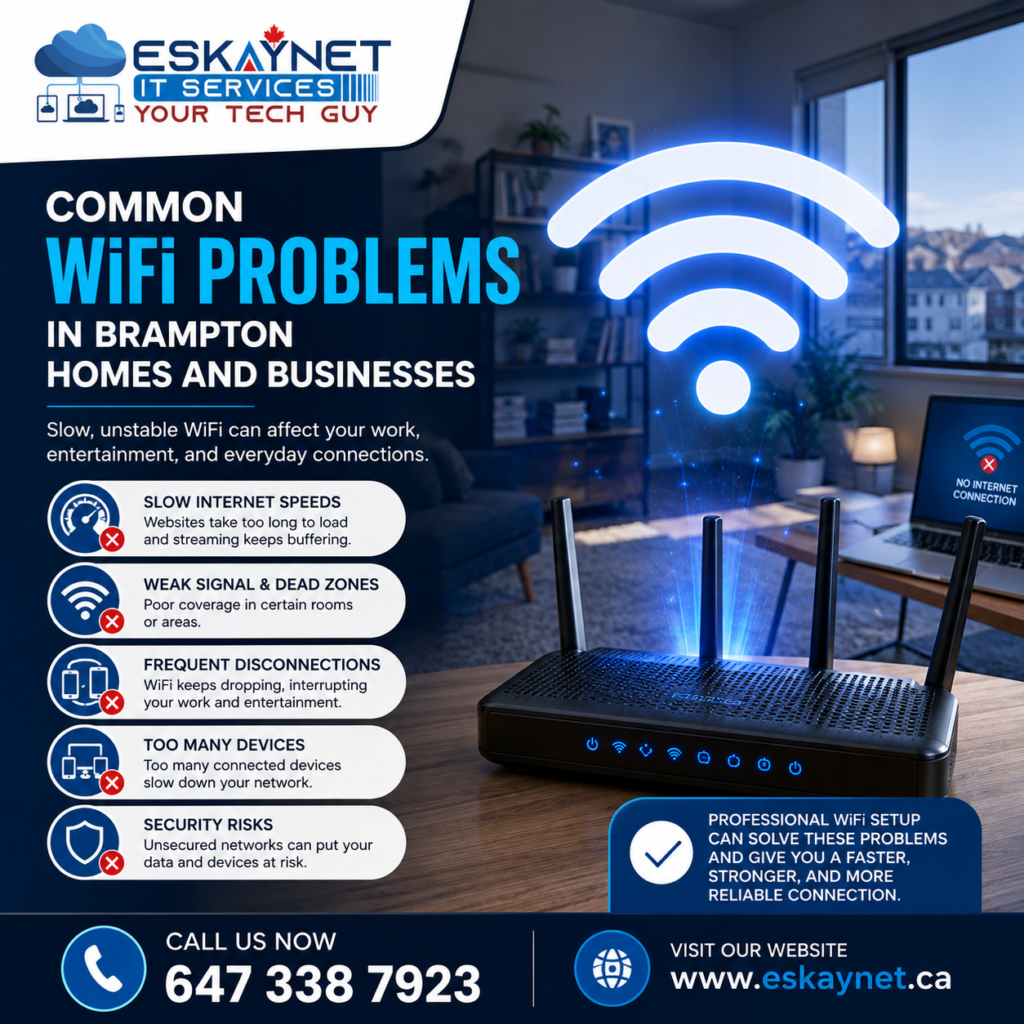
Common WiFi Problems in Brampton Homes and Businesses
WiFi problems can happen for many reasons. Some are easy to spot, while others need a closer look.
Weak WiFi Signal
Your router may provide a strong signal in one room but a weak signal in another.
Walls, floors, furniture, and the distance from the router can all affect WiFi strength.
If your bedroom, office, basement, or meeting room has poor WiFi, the router may not be in the best location.
WiFi Dead Zones
A dead zone is an area where your WiFi signal is very weak or does not work at all.
This is common in larger homes, offices, and buildings with multiple floors.
Adding the right access point can help bring WiFi to areas that the main router cannot reach.
Too Many Devices
Today’s homes can have many connected devices.
You may have phones, laptops, TVs, cameras, speakers, appliances, and other smart devices using your network.
Businesses can have dozens or even hundreds of devices.
When many devices share the same network, the setup needs to be able to handle that traffic.
Router Placement
Where you put your router matters.
A router hidden inside a cabinet or placed behind large furniture may not provide the best signal.
For better coverage, the router or access points should be placed in suitable locations.
Wireless Interference
Other WiFi networks and wireless devices can sometimes affect your connection.
This can be a problem in areas where many homes or businesses are close together.
Proper WiFi configuration can help reduce some types of wireless interference.
Old Network Equipment
Older routers may not provide the performance, security, or features needed by modern devices.
If your equipment is several years old and you regularly experience network problems, it may be worth reviewing your current setup.
WiFi Setup Brampton for Homes
Your home WiFi should work in the places where you use it most.
You may need a strong connection for your home office, living room, bedroom, basement, or outdoor area.
If your router cannot cover the whole property, you may need additional equipment.
A professional WiFi Setup Brampton service can help identify weak areas and determine what type of setup makes sense for your home.
For example, a small home may only need a well-positioned router.
A larger home may benefit from:
- Mesh WiFi
- Additional access points
- Better router placement
- Wired access points
- Improved network configuration
The best option depends on your home and how you use the internet.
WiFi Setup for Brampton Businesses
Businesses depend heavily on their network.
An employee may need WiFi to join a video meeting. Another employee may be working on cloud software. A customer may need guest WiFi. Security cameras may also be using the network.
All of these devices need a reliable connection.
A professional WiFi setup can help businesses create a network that is easier to manage and more reliable.
It can also allow different types of users to have different levels of network access.
For example, a business can create a separate guest WiFi network. Customers can use the internet without getting access to private company systems.
This can improve both convenience and security.
WiFi Setup vs. Network Setup
People often use the terms WiFi and network interchangeably. They are related, but they are not exactly the same.
WiFi is the wireless part of your network.
A network can also include wired connections, switches, routers, access points, computers, printers, security systems, and other equipment.
This means Network Setup Brampton can cover much more than WiFi.
A business network setup may include:
- Routers
- Network switches
- WiFi access points
- Ethernet connections
- Computers
- Printers
- Security cameras
- Network security
- IP configuration
- Wireless devices
All these parts need to work together.
If your WiFi problem is caused by a wider network issue, changing the router alone may not solve it.

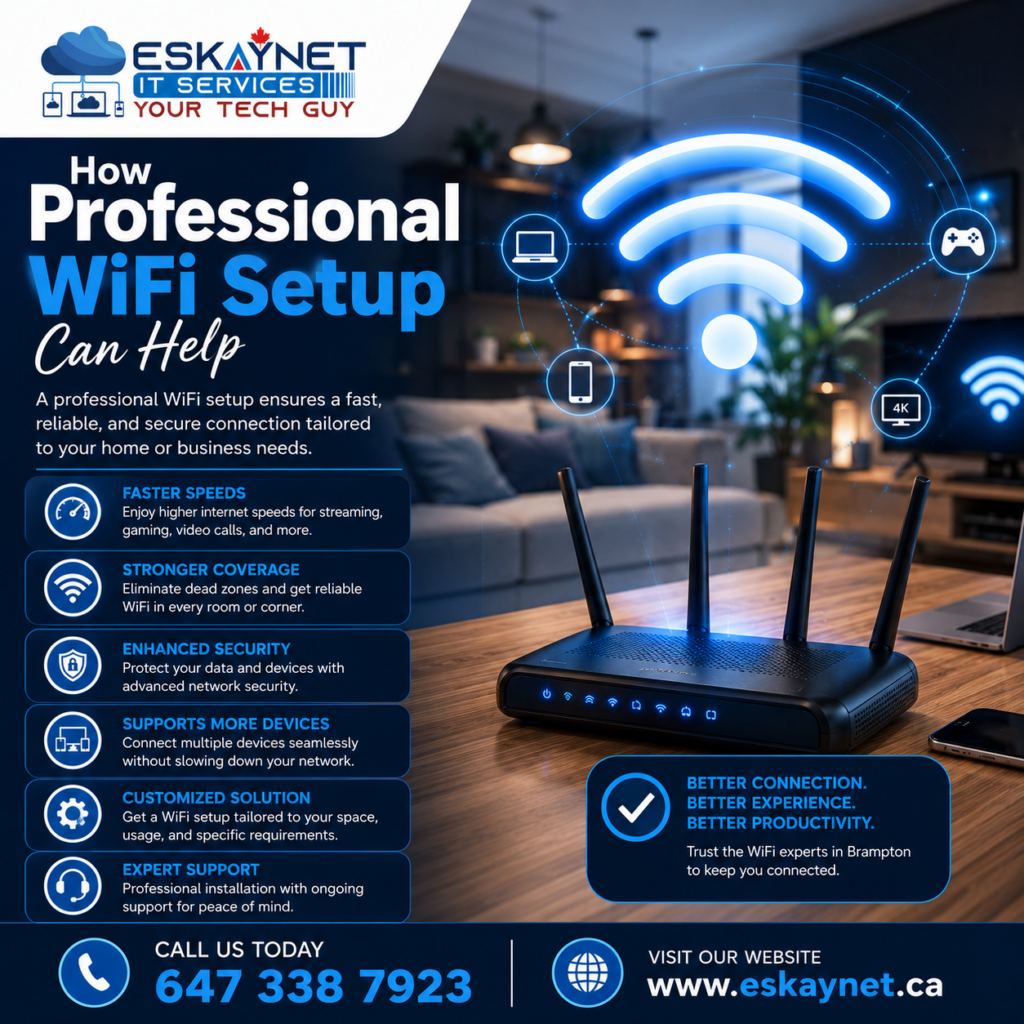
How Professional WiFi Setup Can Help
A properly planned WiFi network can offer several benefits.
Better Coverage
You can get a stronger signal in the areas where you need it.
Fewer Connection Problems
Good equipment placement and configuration can help reduce random disconnects.
Better Performance
Your network can be set up based on the number of users and devices.
Improved Security
Strong passwords and modern security settings can help protect your wireless network.
Easier Troubleshooting
A well-organized network makes it easier to find problems when they happen.
Room to Grow
Your network should be able to support new devices as your needs change.
When Should You Get Professional WiFi Help?
Not every WiFi problem needs professional help.
Sometimes restarting your router or moving it to a better location may fix a simple issue.
But professional help may be useful if the problem keeps coming back.
Consider getting your network checked if:
- Your WiFi keeps disconnecting
- Some rooms have no signal
- Your internet feels slow
- Video calls keep dropping
- Your business has many connected devices
- You need WiFi across several floors
- You are installing security cameras
- You are opening a new office
- Your current router cannot handle your devices
- You need separate guest and employee WiFi
- Your network is difficult to manage
If you have tried several basic fixes and the problem is still there, the issue may be deeper than your internet connection.
What Happens During a WiFi Setup?
A good WiFi setup starts with understanding your needs.
1. Check Your Current Network
The first step is to look at your existing equipment and connection.
This can help identify possible problems with the router, access points, cabling, or configuration.
2. Understand Your Space
The size and layout of your home or business matter.
The location of rooms, walls, floors, and work areas can affect WiFi coverage.
3. Plan the WiFi Coverage
The next step is to decide where WiFi is needed.
This helps determine whether you need one router, multiple access points, or another type of setup.
4. Configure the Equipment
The router, access points, and other network equipment can then be configured.
Settings can be adjusted based on the needs of your network.
5. Set Up Security
Your WiFi should not only be fast. It should also be secure.
Strong passwords and suitable security settings are important parts of the setup.
6. Test the Connection
Testing helps find weak areas and connection problems.
The network can be checked in different rooms and with different devices.
7. Make Final Improvements
If a problem is found during testing, equipment placement or network settings can be adjusted.
This helps make the final setup more reliable.
Why DIY WiFi Setup Can Sometimes Cause Problems
Setting up a basic router is easy.
But larger networks can become more complicated.
For example, adding another router without configuring it correctly can create network conflicts. Poor access point placement can also leave some areas with weak coverage.
Businesses have even more to consider.
They may need separate employee and guest networks, wired connections, security cameras, printers, cloud applications, and many other devices.
A professional setup looks at the network as a whole instead of treating each problem separately.
How to Choose the Right WiFi Solution
There is no single WiFi solution that is right for everyone.
A small apartment may only need one good router.
A large home may need mesh WiFi or additional access points.
A business may need several access points, network switches, Ethernet cabling, and stronger security controls.
The right setup depends on:
- Property size
- Number of users
- Number of devices
- Building layout
- Internet speed
- Business needs
- Security requirements
- Future growth
The goal is not to buy the most expensive equipment.
The goal is to choose equipment that fits your actual needs.
Get Reliable WiFi Setup in Brampton
If your WiFi is slow, unreliable, or weak in certain areas, you do not have to keep dealing with the same problem.
Eskaynet can help homes and businesses with WiFi and network needs in Brampton.
Whether you need a new WiFi Setup Brampton solution, help with an existing wireless network, or a complete Network Setup Brampton service, the first step is understanding what is causing the problem.
A properly planned network can make everyday internet use easier. It can also give your business a more reliable connection for employees, customers, devices, and important online systems.
Final Thoughts
Good WiFi is about more than having a fast internet plan.
Your router, access points, network layout, equipment, security settings, and WiFi configuration all play a role.
If you are dealing with weak signals, dead zones, slow speeds, or frequent disconnections, your current setup may need to be reviewed.
For homeowners and businesses in Brampton, professional WiFi Setup Brampton services can help create a stronger and more reliable wireless network.
And if your needs go beyond WiFi, a complete Network Setup Brampton solution can bring your wired and wireless systems together.
Instead of guessing what is wrong with your WiFi, get the network checked and find a solution that fits your space, devices, and daily needs.
Need help with WiFi or networking in Brampton? Contact Eskaynet today to discuss your requirements and find the right solution for your home or business.